
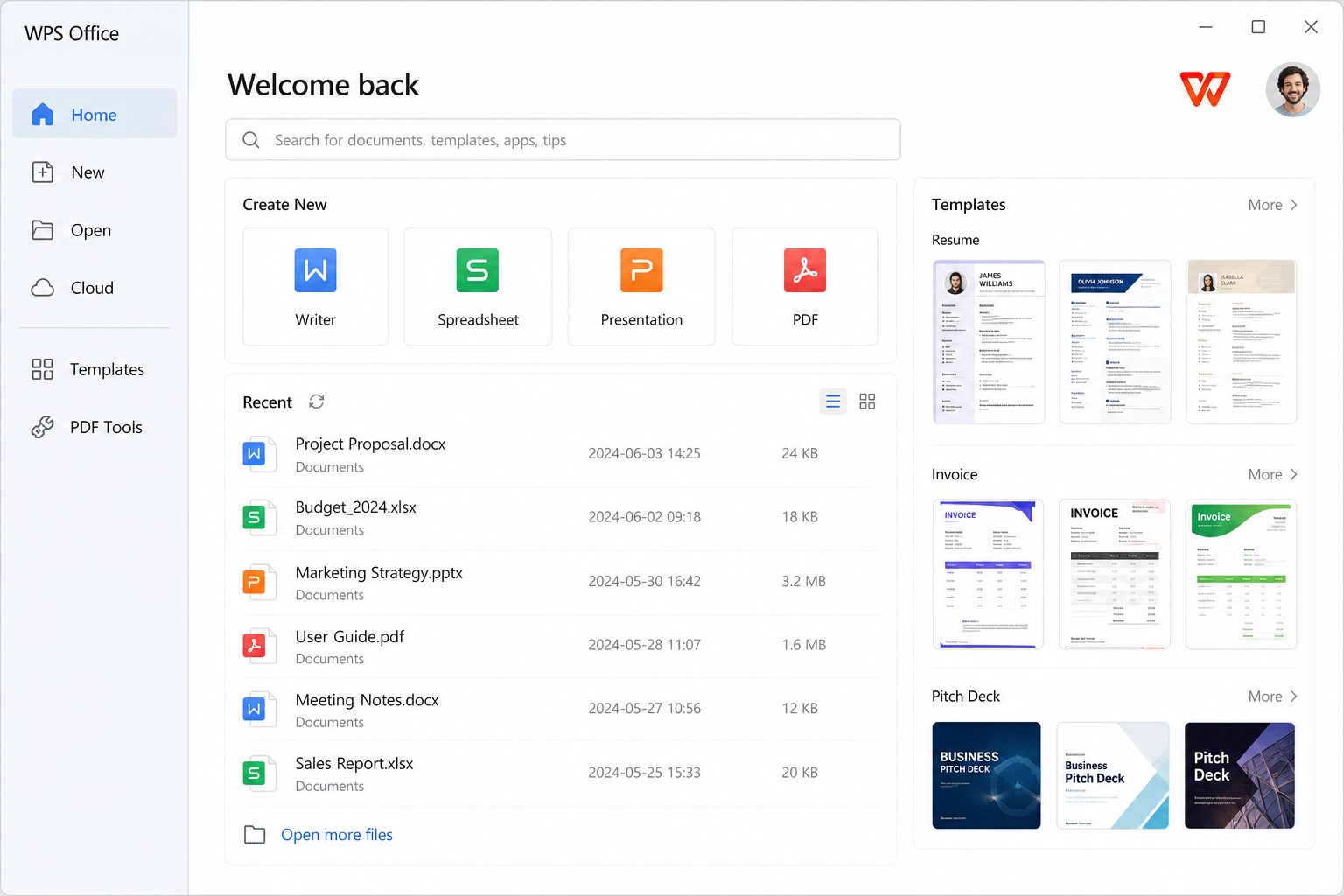
Where they live
Home screen → Templates, or New → pick a category. Mobile has a similar gallery, sometimes with promotions (Play listing mentioned limited-time free templates via scan).
What Pro changes
Reviews list unlimited templates as a Pro bullet. Free users still get a large set; premium designs and “unlimited” language sit on the paid side. If a template watermark or lock appears, that is the upsell, not a broken file.
Make a stock template look like a human made it
- Replace the stock headshot and lorem stats.
- Set brand colors once on the master (slides) or styles (Writer).
- Delete decorative icons that do not mean anything.
- Export PDF and check on a phone — many templates have 8-point gray text.
When a template is a gift
Invoice with SUM already wired. Meeting notes with date field. A resume that is one column and 11 pt. Those save twenty minutes.
When a template is a trap
Neon infographic CV. 40-icon “synergy” slide. Calendar that is 12 floating text boxes. Anything with “lorem” still in the footer. Premium lock that nags Pro when you hit Save.
Sanitize in 6 minutes
- Replace every proper noun and number with yours. Search “lorem”, “company”, “2020”, “xx%”.
- Set styles / master colors to two colors max.
- Delete decorative icons that do not mean a thing.
- Compress images.
- Export PDF, read on a phone.
- Save as DOCX/PPTX/XLSX, not as the vendor’s showcase format.
Pro “unlimited templates” is a catalog unlock, not a design department. Pricing.
Resume templates specifically
Applicant-tracking systems still choke on multi-column infographic CVs. If you apply through a portal, a boring one-column DOCX/PDF wins. Keep the pretty one for humans who asked for a PDF by email. Replace every “lorem” and every fake 98% skill bar. Skill bars are not evidence.
Invoice templates
Check the SUM. Template authors break formulas and nobody notices until you undercharge. Add a tax line if you need one. Export PDF to the client; keep XLSX. Filename with date and client.